The method

How GroundsWatcher keeps watch.

Four stages, in the same order every time. The cameras you have, a scan of every camera, a second look at the full frame, and a person who makes the call.

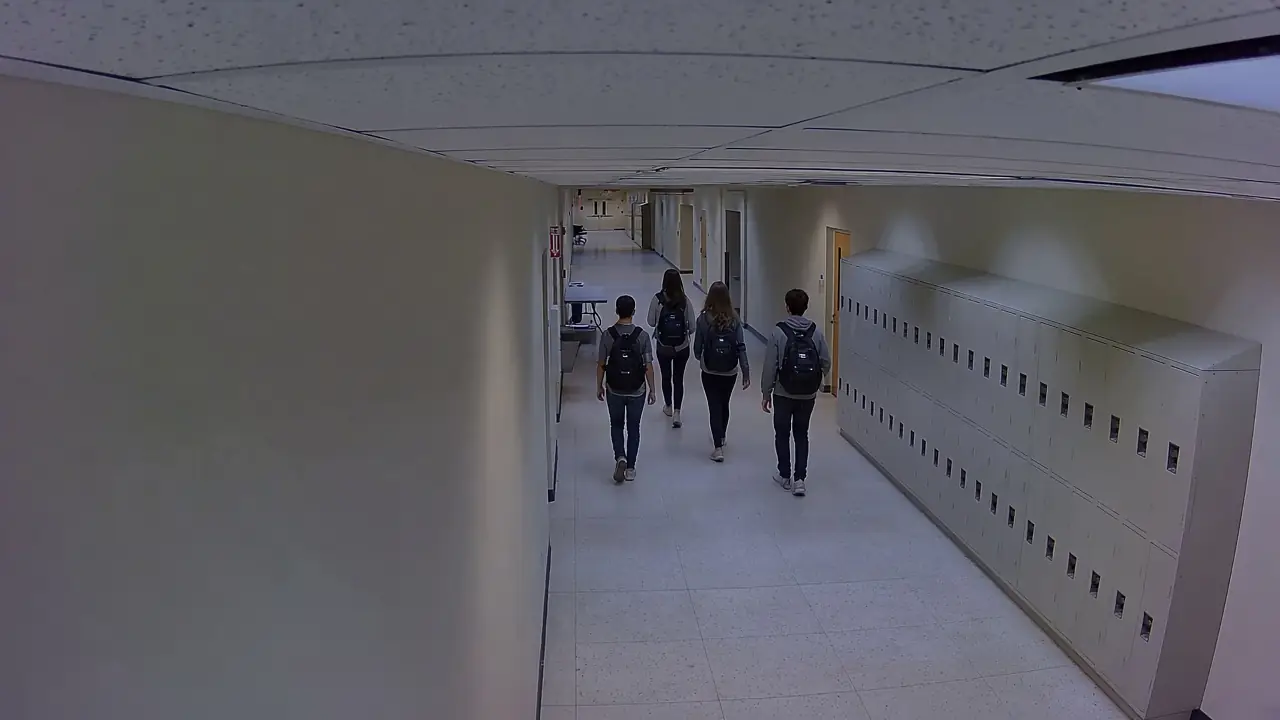
High-angle hallway camera view of four students with backpacks walking past lockers, one marked as tracked.
Hallway B, Camera 7Live 10:42:15
PersonTracked
Hallway B, Camera 7, 10:42 AM: four students walking to class. One tracked past the lockers, no alert raised. Generated image built on a frame from the MEVA dataset (Kitware Inc. and IARPA, CC BY 4.0, mevadata.org).
I
Stage I · Your cameras

The cameras you already own.

GroundsWatcher reads the streams from the IP cameras the school already has, over the network, and your door system sends its alarms to the same place. Nothing new goes on the walls, and your recorder keeps recording wherever it lives today.

  • Standard video streams from the cameras you have
  • Door events from your access system
  • Recordings stay where you keep them
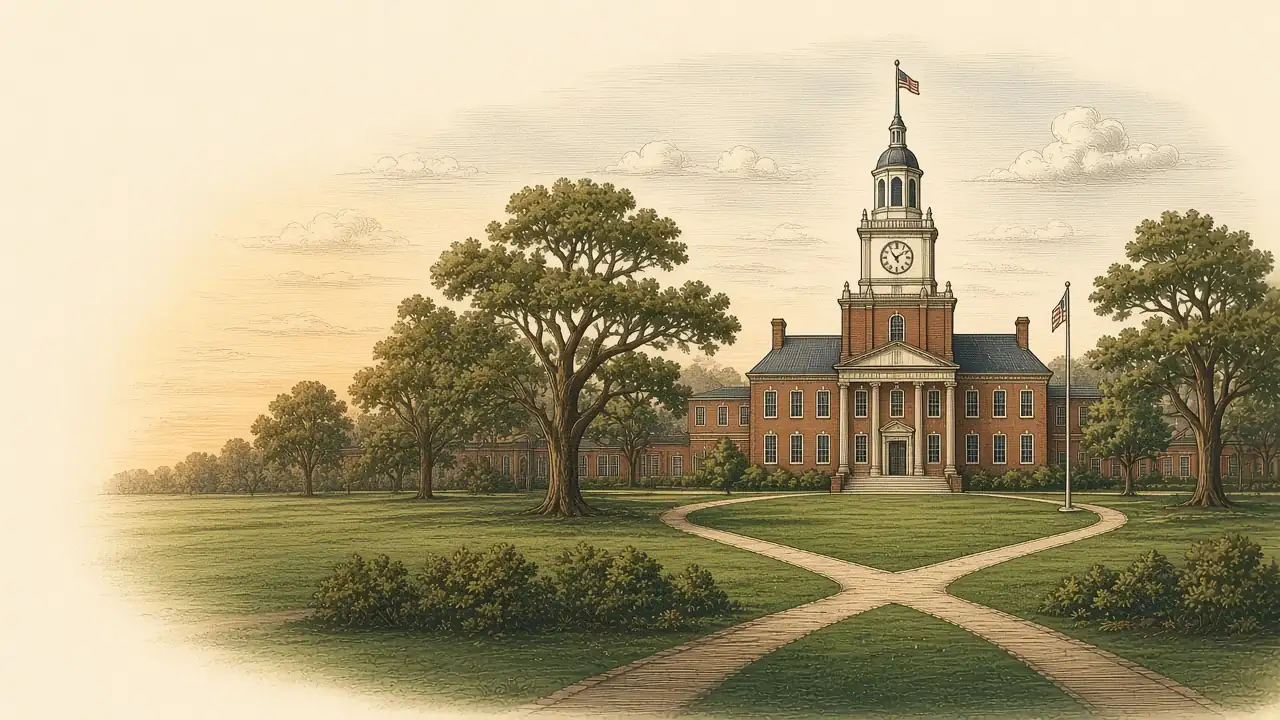
Engraved illustration of a brick campus with a clock tower and quad.
The grounds you already have.
II
Stage II · The scan

Every camera, all day.

GroundsWatcher scans every camera for the events your school picks: weapons, falls, fights, doors, after-hours entry and more. A person tracker follows each person in view, and a candidate has to show up more than once before it moves on, so one odd frame doesn't send an alert.

  • One track per person per visit
  • Hands and upper body cut from the full-resolution frame
  • A few looks before anything moves on
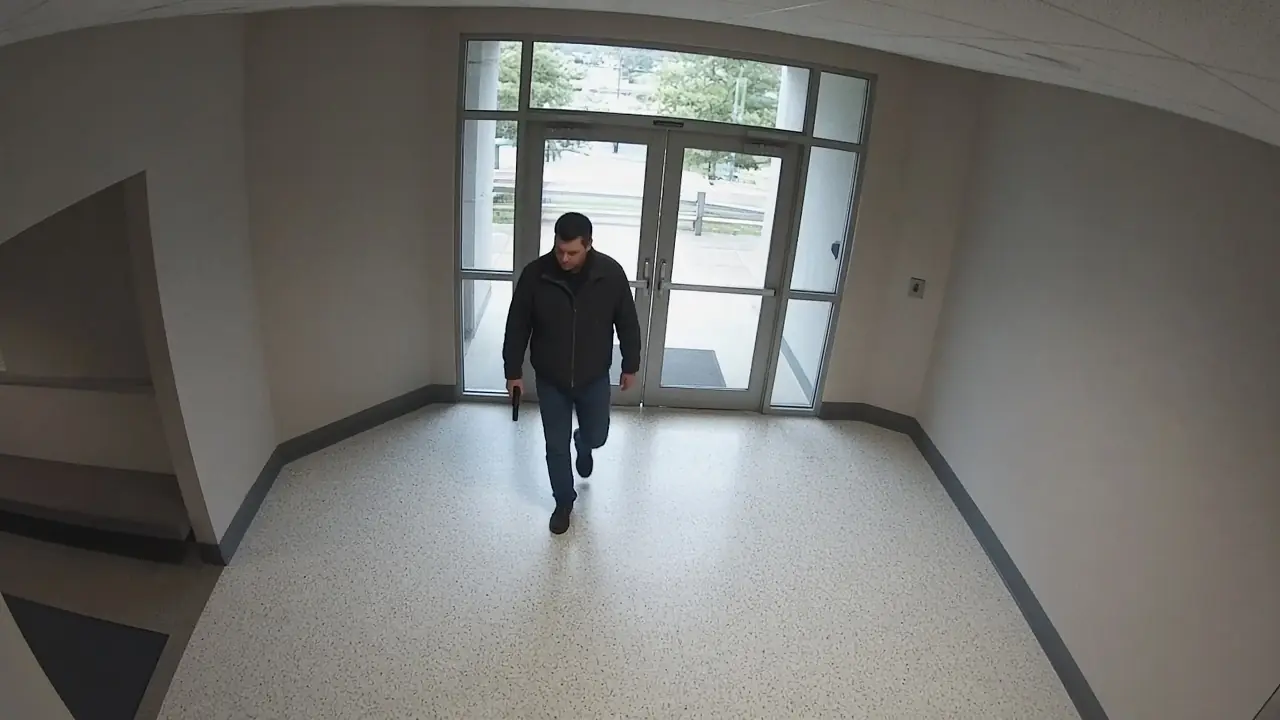
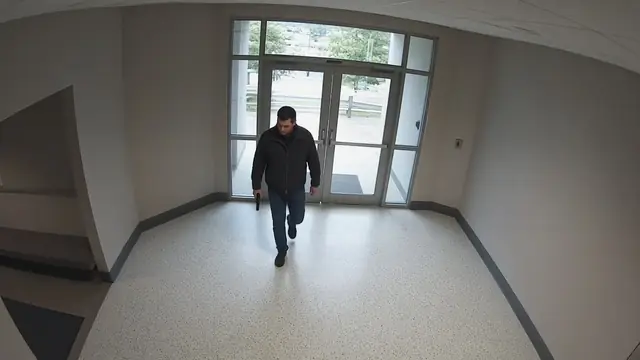
Front entrance camera view with a person tracked.
Front entrance, Camera 1Live 08:14:22
PersonTracked
The scan follows each person in view. Illustration, generated image.
III
Stage III · Eyes, the second look

A second look at the full frame.

Before anyone is paged, Eyes examines the moment again at full detail: the whole frame and the close crop. It names what it sees and writes one plain sentence of why. A phone in a two-hand grip or an umbrella drops to low priority and stays on the list.

  • Consistent with a weapon, unclear, or likely look-alike
  • The reason rides on the alert
  • Eyes can lower a priority. It can't delete an alert
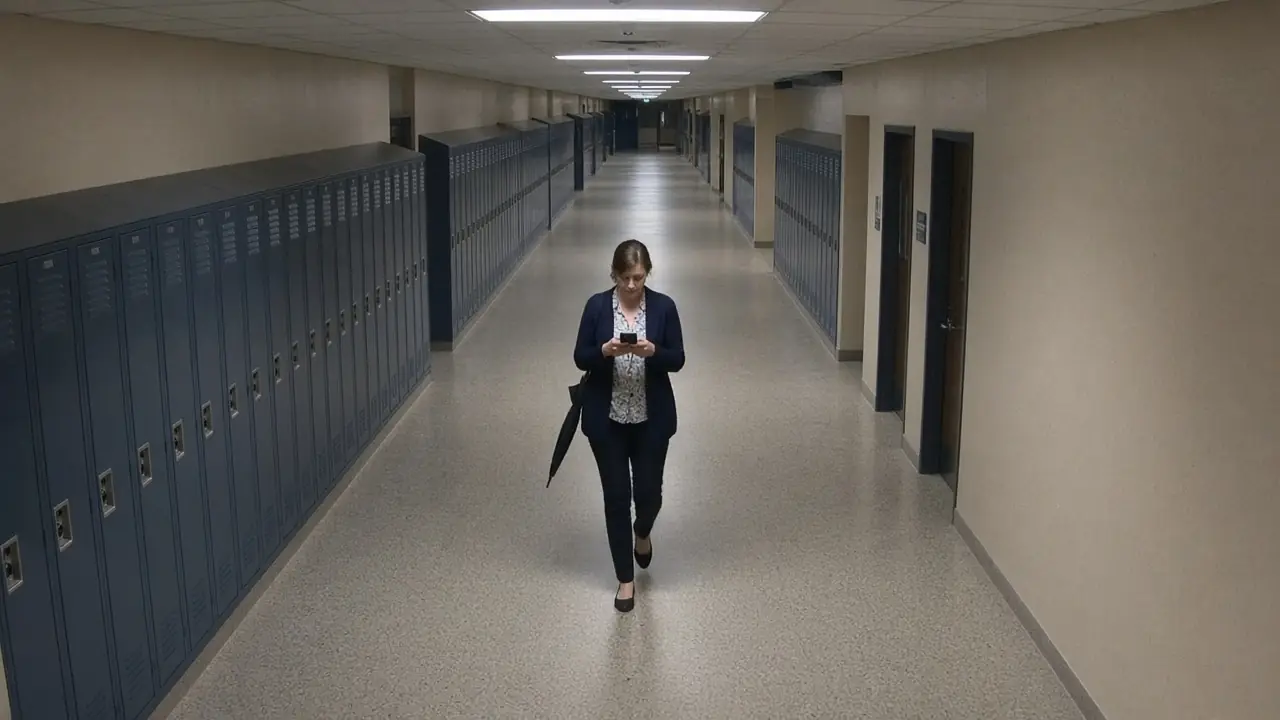
Hallway camera view of a person holding a phone in two hands, marked as a likely look-alike.
Hallway, Camera 7Live 08:14:22
Eyes reviewPhone, likely look-alike
Eyes names a phone as a likely look-alike. Illustration, generated image.
IV
Stage IV · Your people

A person makes the call.

The staff you name get the alert by text, email or push, with the still, a short clip and the verdict. If nobody answers a critical alert, it goes to the next person on the list. Every alert, verdict and tap goes in the audit log.

  • Routed by role and duty schedule
  • One tap to confirm, watch the clip or mark it handled
  • GroundsWatcher never calls a lockdown or unlocks a door by itself
9:415G
Three routes

The stakes decide the route.

Fastest routeWeapons, falls, fightsEyes takes its second look first, then staff get the picture with the verdict already on it.
Checked, then listedBags, crowds, zonesIf the second look finds it ordinary, it goes to the daily list instead of a phone.
On your scheduleAfter hours, lanes, doorsRules follow your school calendar: hours, breaks and evening events.
Questions

Straight answers.

Do we need new cameras?

No. GroundsWatcher works with the IP cameras you already have, over the standard video streams they already send. If a camera can't give a usable picture, we tell you which one and why.

Where does the video go?

Your recordings stay wherever your school keeps them today, on a recorder on site or in a cloud service. GroundsWatcher reads the camera streams to do its work, and alerts go to the staff you name. If you want everything on your own equipment, we build a fully local setup.

Does GroundsWatcher replace our recorder or door system?

No. Your recorder keeps recording and your door system keeps running the doors. GroundsWatcher reads both and adds the alerts. It can also record and search on its own box.

Who sees the alerts?

Only the people you choose, by role and duty schedule. Every alert, view and tap is written to the audit log.

What does Eyes do?

Eyes is the second look. It takes a closer, full-frame look at what the scan flagged before anyone is paged, writes a one-line verdict, and can drop a look-alike to low priority. It can't delete an alert.

Who sets it up?

We do. We install the box, connect your cameras and doors, set the rules with your team, and keep it running.

All questions

An invitation

See it on your own cameras.

We bring the box, set it up on the cameras and doors you have, and walk your staff through it.

The careful eye on every campus.